
You can make real progress on piano without owning one. The layout of the keys, your sense of rhythm, and your ear all transfer from a screen to a real instrument. Touch and dynamics do not, so weighted keys stay on the list eventually. Here is what is genuinely worth practising in the meantime, and where a screen falls short.
Wanting to practice and having a piano in front of you are two different problems. Maybe you don't own one yet. Maybe you do, but it's in a room where you can't make noise at 11pm, or you're on a train, or the family is watching TV right next to it. The practice you actually get done is the practice that fits your real life, and a phone fits almost anywhere.
What a phone is good for
Three things, and they happen to be the three that matter most when you're starting.
The first is knowing where the notes live. Playing on a screen keyboard builds the same mental map as a real one: which way is up, where the black keys cluster, how far your hand has to jump. It isn't the same as weighted keys under your fingers, but the geography transfers.
The second is rhythm and timing, and this is where a phone genuinely shines. A falling-note mode like Piano Game trains you to hit notes in time. Slow a song down while you learn the movement, then speed it back up once your hands know the way.
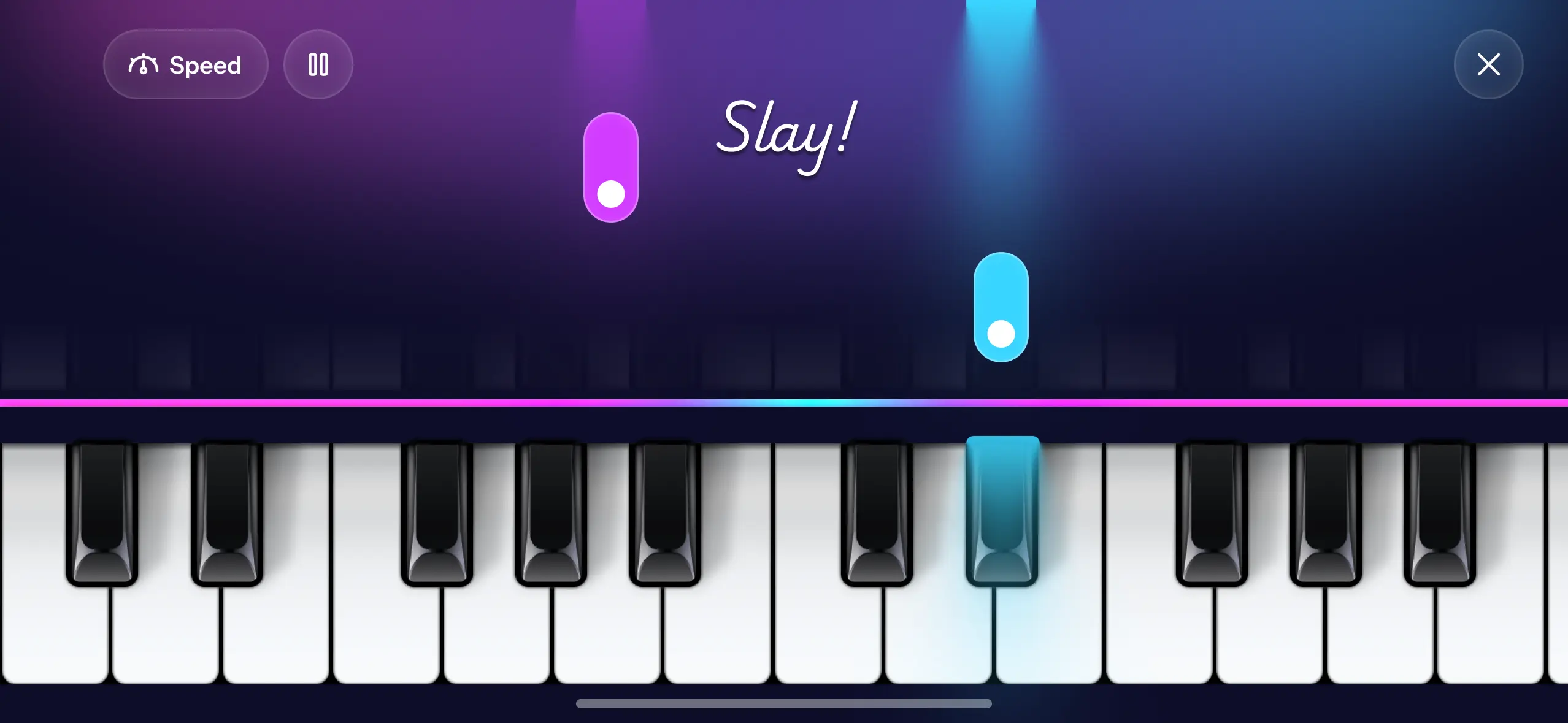
The third is your ear. Hunting for a melody you're humming, or hearing whether a chord sounds happy or sad, needs no special hardware. Ear is the thing most self-taught players wish they'd built sooner, and a phone is perfectly good for it. There's more on this approach in how to play piano without reading sheet music.
Can you write music without a MIDI keyboard?
Yes, and this is the part people underrate most. Composing does not require hardware. It requires being able to put a note down, hear it back, and change your mind.
In Create Music you tap parts in one at a time and each one becomes its own track. Your notes appear as blocks on a timeline, so you can drag a note later, stretch it longer, duplicate a bar you liked, or delete the one that was wrong. That last part is what actually replaces a MIDI keyboard: a keyboard player fixes mistakes by replaying the passage until it's right, and you fix them by moving a block. Same result, no cable.
If chords are the bottleneck, Chord Builder spells them for you. Pick a root and a quality, hear it, and drop it in.
Practising on a laptop instead of a phone
If you're at a computer, you don't need to install anything. Our free browser keyboard plays with your computer's own keys: the letter rows map onto the piano keys, and Z and X shift you down or up an octave. It's genuinely useful for testing a chord shape or hunting a melody while your hands are already on a laptop.
It is a small keyboard on a flat surface, so treat it as a scratchpad rather than a practice instrument. For working out what a chord sounds like, it's faster than anything else.
Where a phone won't cut it
Be honest with yourself here. A glass screen can't give you the weight of real keys, and it can't teach your fingers how hard to press for a soft note versus a loud one. Touch and dynamics are a real-piano skill. If your goal is to sit at an acoustic grand and play expressively, you'll eventually want time on weighted keys.
That's a later problem, though. None of it stops a beginner from making real progress right now.
A ten-minute routine
When you've got a spare ten minutes and no piano nearby, this works:
Start with a song on Piano Game, slowed down to 0.5x or 0.75x, just to wake your hands up. Spend a few minutes on the freestyle keyboard playing whatever comes out, with no goal at all. Then pick three chords and move between them until the change feels smooth. That's a complete little session, and you can do all of it on a couch.
Do that four or five times a week and you will notice the difference inside a month. The hard part was never the ten minutes, it was having an instrument within reach when you had them.